
TV rentals in Las Vegas, 24" to 98"
Samsung 4K commercial displays from 43" to 98", plus desk monitors from 24" — delivered to your booth or meeting room, mounted, connected and tested before we leave. Independent pricing, so you are not paying a venue’s in-house markup.
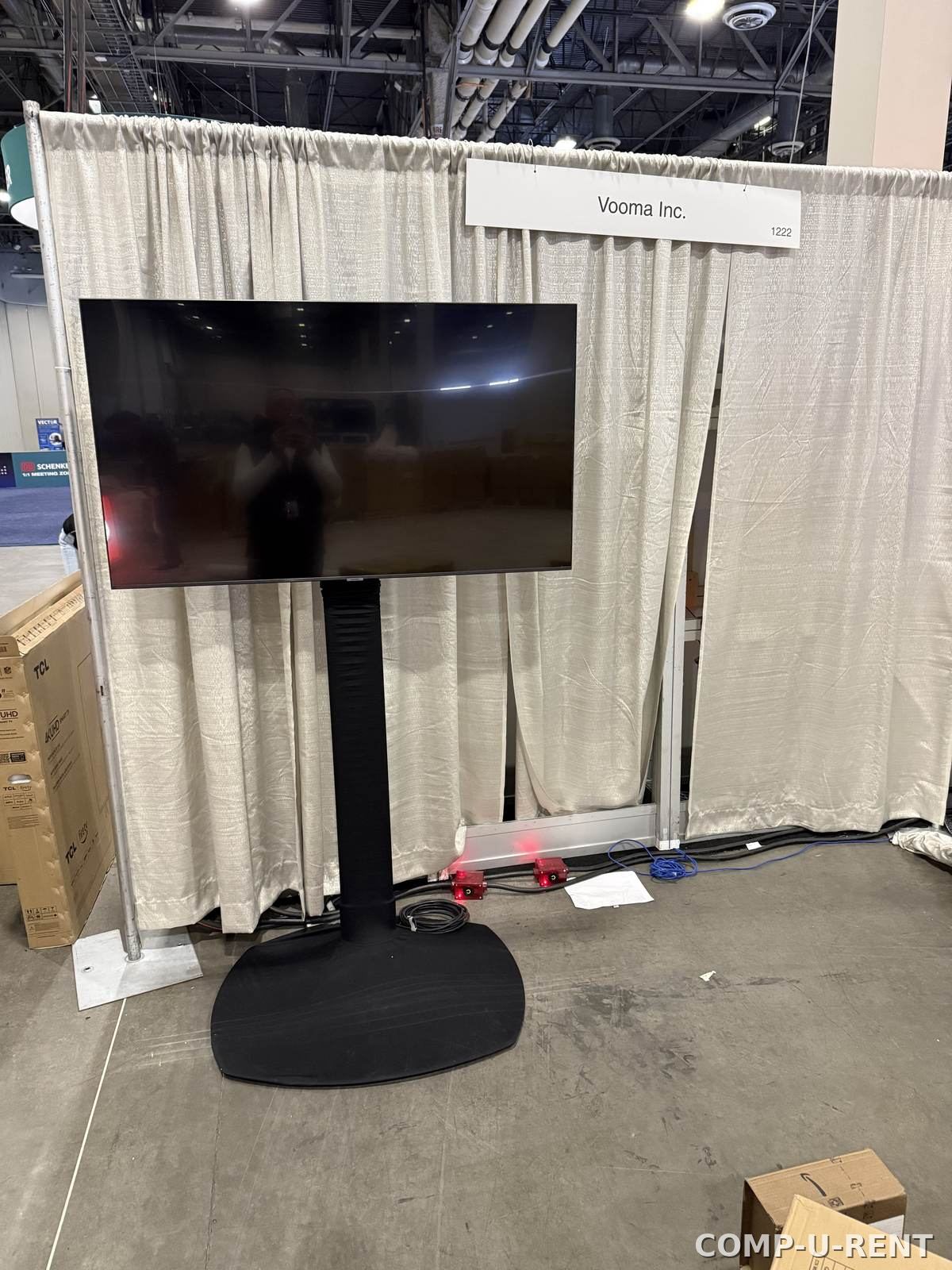
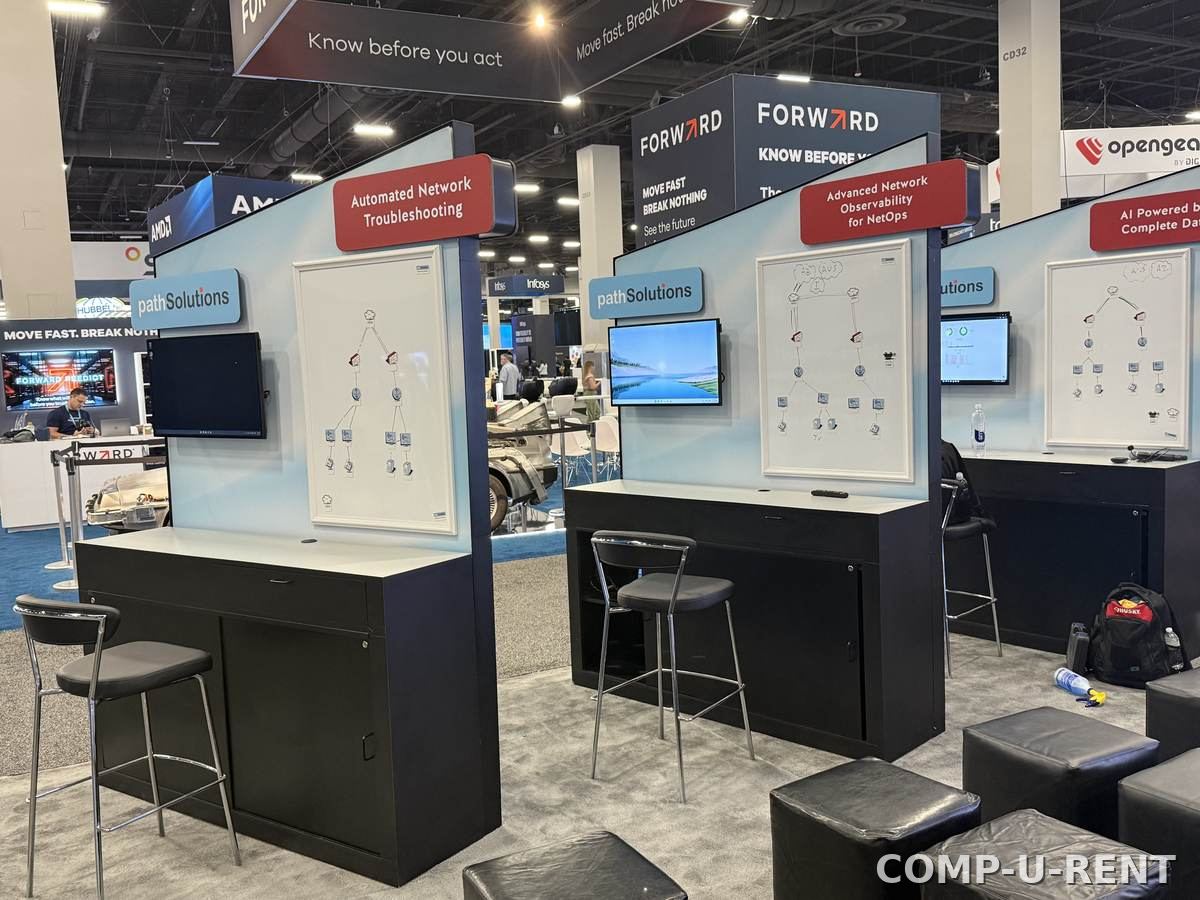
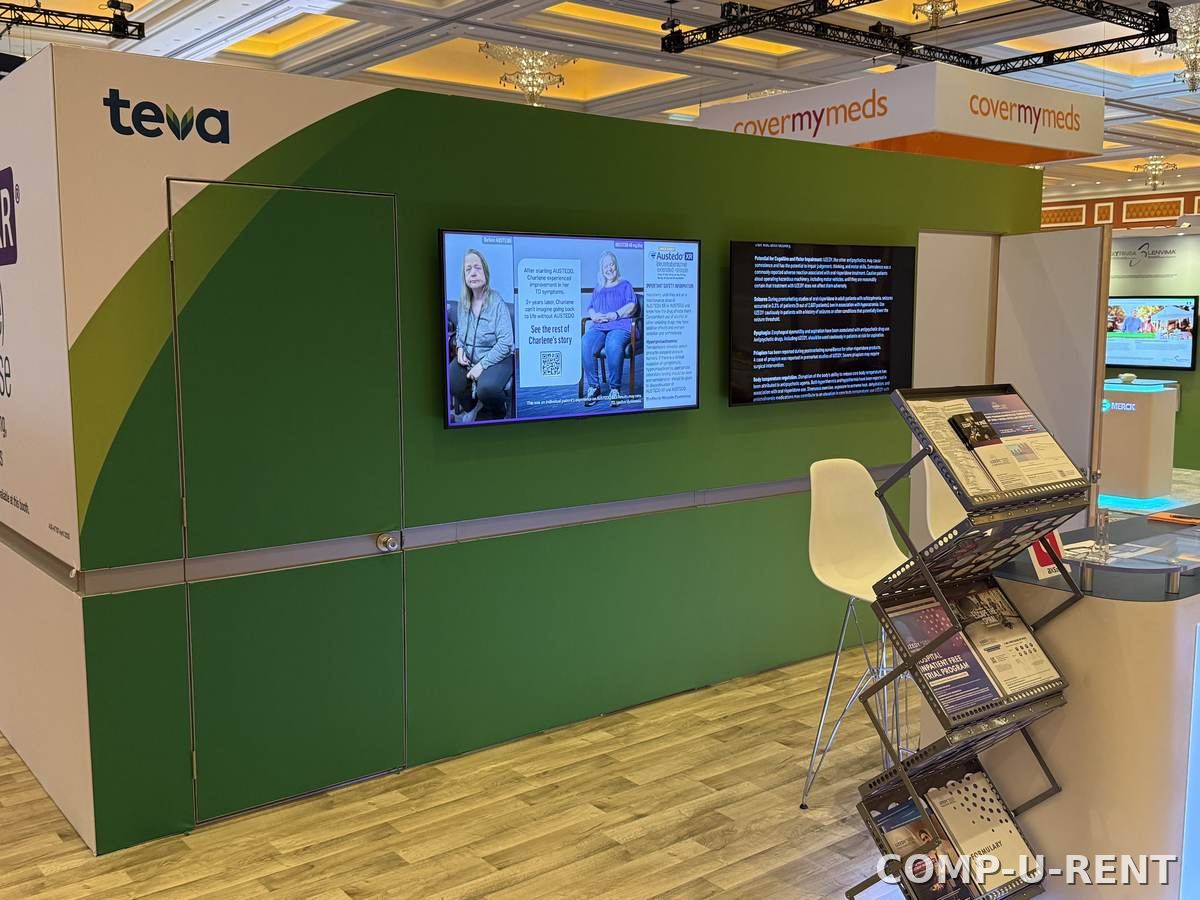
Comp-U-Rent has been renting TVs and monitors into Las Vegas convention halls since 1998. Most of what we do is screens: a single QM43 on a stand in a 10x10 booth, a matched pair of 65" panels flanking a stage, a 98" anchoring an island. It is our most-requested category and the one we stock deepest.
We are an independent supplier, which matters more here than people expect. Hotels and convention centers often steer exhibitors toward an in-house AV provider whose screen pricing carries an exclusivity premium. Display rental is generally not a venue exclusive — electrical and rigging are. So you can rent the screen from us, order power through the venue, and keep the difference.
What every TV rental includes
Delivery to your booth or room, the stand or mount, power cable and HDMI, on-site setup and testing, and strike at the end of the show. No separate delivery line, no surprise cable charges.
TV rental sizes and what each one is for
Every panel below is Samsung, 4K at 3840 x 2160. Availability varies by date — peak convention weeks empty the city’s inventory quickly.
| Model | Size | Best for | Typical use |
|---|---|---|---|
| Samsung QMB/R | 43" | 10x10 booth walls, breakout rooms, menu and session boards | Popular |
| Samsung QB50R | 50" | Mid-size booth walls, wayfinding and directory displays | |
| Samsung QM55 | 55" | Our most-requested screen. Booth walls, demo stations, presentations | Most requested |
| Samsung BE65D-H | 65" | 10x20 booths, meeting rooms, hotel lobby displays | Popular |
| Samsung BE70T-H | 70" | Larger meeting rooms and mid-size island booths | |
| Samsung QM75B | 75" | Island booths, side screens flanking a stage, session overflow | Popular |
| Samsung QM85B | 85" | Large islands, keynote rooms, sponsor activations | Popular |
| Samsung QB98T | 98" | Hero panel for a big island, stage backdrop, lobby impact piece | Largest panel |
Smaller desk monitors
| Type | Size | Best for | Typical use |
|---|---|---|---|
| Desk monitors | 24" – 32" | Registration counters, check-in desks, demo pods, staff offices | Registration |
Need several screens matched to each other? Say so on the quote — running the same model across a booth matters more than most people expect once the panels sit side by side, and it is the reason we run one manufacturer across the line.
Why commercial panels, not consumer TVs
We stock Samsung commercial signage panels rather than living-room televisions. Commercial displays run 4K at 3840 x 2160 and are rated for continuous operation rather than a few hours an evening, they carry thinner bezels so multi-screen setups line up cleanly, and they don’t put a glowing consumer logo under your brand. On a show floor running ten hours a day for four days, that difference is the whole point.
How big a screen does your booth need?
The honest answer is viewing distance, not booth size. Attendees walking the aisle are roughly 8 to 12 feet from your back wall, and anyone you actually want to stop needs to read what is on screen from there. A screen that looks enormous in your office looks modest across an aisle.
- 10x10 booth — 43" or 55". A 55" on a floor stand is the single most common booth setup in this city.
- 10x20 booth — 55" to 75", or two screens showing different content at either end.
- 20x20 island — 75" or 85", often two or four screens facing different aisles.
- Larger islands — the 98" QB98T as a hero panel, or a multi-panel video wall built to your exact footprint.
- Registration or check-in — 24" to 32" at counter height, one per station.
- Breakout and meeting rooms — 55" to 75" depending on room depth and seat count.
One large screen or several smaller ones?
One large screen wins for impact and for anything with motion. Several smaller screens win when you need to run different content in parallel — a demo loop at one end, a lead-capture form at the other. Tell us what the booth has to accomplish and we will tell you which way we would go.
Screens for Las Vegas trade show booths
What changes when the screen is going onto a convention floor rather than into an office.
Delivered inside your window
We deliver to your booth number during your assigned load-in window, not whenever a freight carrier decides to arrive. Local warehouse, local crew, same city as your show.
We already know the jurisdiction
LVCC, Venetian Expo and Mandalay Bay operate under union labor rules. Installation may be handled by venue labor per show requirements — we coordinate it rather than discovering it on show morning.
Skip the material handling
A screen you ship in gets charged drayage through the show contractor, both directions. A screen we hand-deliver does not. On a single 75" that difference alone often covers a chunk of the rental.
Replacements are a drive away
If a panel fails at 7am on day one, the fix is across town, not across the country. That is the practical argument for renting locally, and it is the one exhibitors remember.
Monitors for conventions, registration and session rooms
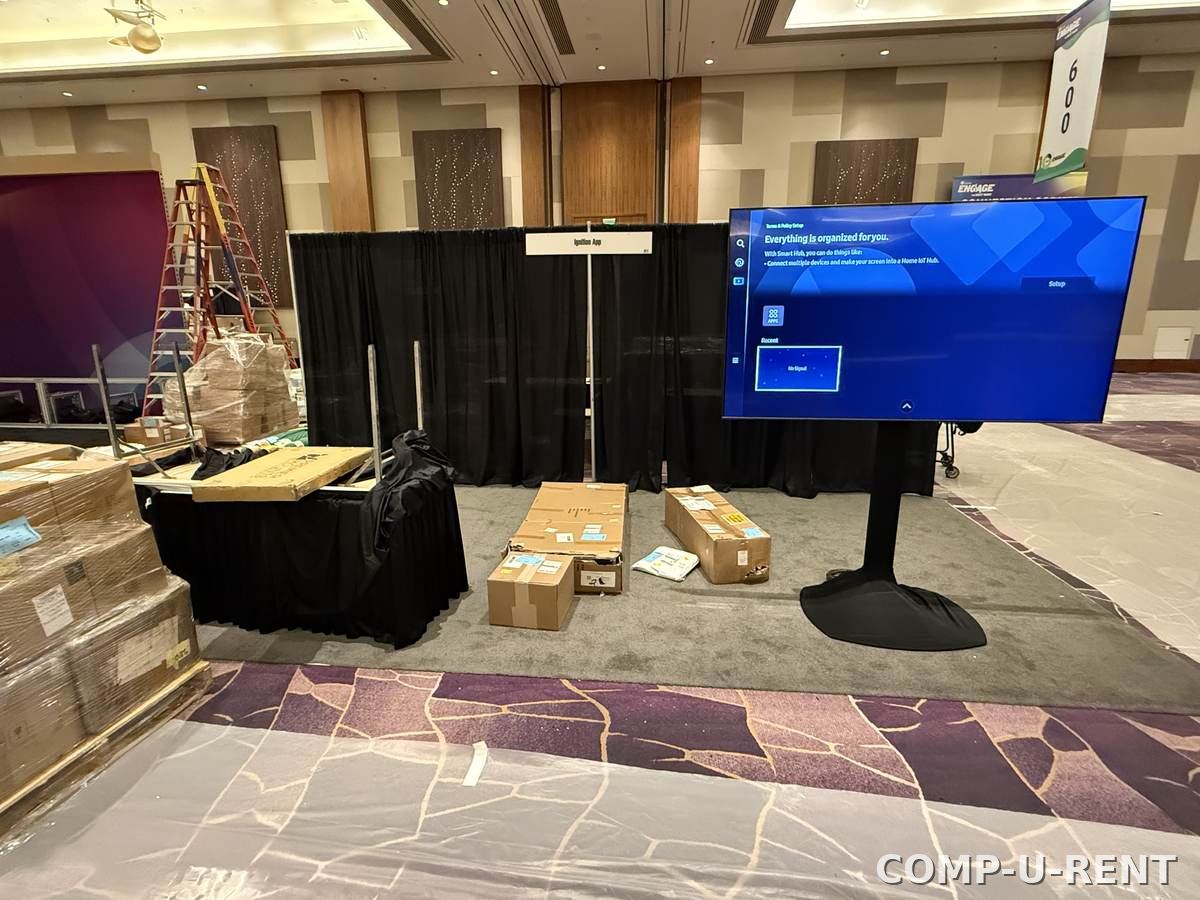
Show organisers and planners need something different from exhibitors: quantity, consistency and a single point of contact. A convention floor might need twelve identical monitors at registration, digital signage at every hall entrance, and a screen in each breakout room — all landing on the same morning.
- Matched monitor sets for registration and check-in counters
- Wayfinding and session-board displays at hall entrances
- Breakout and meeting room screens, room by room
- Digital signage for sponsors, agendas and announcements
- Staff and production office monitors
- One quote, one delivery schedule, one invoice for the whole program
If you are a planner or exhibit house placing this kind of order regularly, we hold partner rates rather than re-pricing every show.
Stands, walls, truss and carts
How the screen is held up changes the price and the load-in, so it is worth deciding early.
Adjustable floor stands
The default for trade show booths. Free-standing, height-adjustable, no structural work and nothing to attach to your booth build.
Booth wall & back-wall mounts
Cleanest look for a built booth. Depends on your wall construction — send us the booth drawing and we will confirm what it will carry.
Truss-hung
For large screens above eye level. Rigging is a venue exclusive almost everywhere in Las Vegas, so this needs ordering early through the venue.
Table and counter stands
For 24" to 32" monitors at registration desks, demo pods and check-in counters.
Rolling carts
When the screen has to move between rooms during a multi-day program, or serve more than one session space.
Content playback
Media players for looping video, laptops to drive live demos, and the adapters to connect whatever your team brings. Configured before delivery.
The same screens, with touch
Every size in our line is available as an infrared touch display. Same panels, same mounts, same delivery — the difference is that visitors can drive the content themselves.
| Model | Size | Touch | Typical use |
|---|---|---|---|
| Samsung QM43B/C | 43" | IR point touch | Booth kiosks, product finders, sign-in stations |
| Samsung QM50B/C | 50" | IR touch | Wayfinding, self-serve catalogues, demo pods |
| Samsung QM55B/C | 55" | IR point touch | The common booth interactive — configurators and demos |
| Samsung QM65 | 65" | IR touch | High-traffic kiosks, lobby directories, session boards |
| Samsung QM75B/C | 75" | IR touch | Island-booth interactives and collaboration walls |
| Samsung QM85R | 85" | 12-point IR touch | Large collaborative surfaces and presentation walls |
| Samsung | 98" | 12-point IR touch | Hero interactive for keynote and large activations |
Infrared touch, and why it matters on a show floor
IR touch works through a bezel-mounted sensor grid rather than a coating on the glass, so it responds to a finger, a gloved hand or a stylus without calibration drift over a four-day show. The 85" and 98" panels carry 12-point multi-touch, which is what you want when two or three people crowd a screen at once instead of politely taking turns.
TV rental FAQs
How much does it cost to rent a TV in Las Vegas?
Price depends on four things: the screen size, how many days you need it, how it is mounted (table stand, floor stand, wall or truss), and where it is going. A 43 inch on a floor stand for a three-day show sits at the low end; an 85 or 98 inch hero screen on a custom mount is at the top. Send us the size, the dates and the venue and you will have a firm number within one business day — delivery included, no venue markup.
What size TV do I need for my trade show booth?
As a rule of thumb: a 10x10 booth reads best with a 43 or 55 inch, a 10x20 with a 55 to 75 inch, and an island booth with an 85 or 98 inch or a multi-panel video wall. The real test is viewing distance — attendees standing across the aisle are roughly 8 to 12 feet away, and text on screen needs to be legible from there. Tell us your booth number and size and we will spec it with you.
Do you deliver and set up the TV rental?
Yes, and delivery is included on every order. Our techs deliver to your booth, meeting room or office, mount the screen, connect it and test it before we leave. At union venues such as the Las Vegas Convention Center, Venetian Expo and Mandalay Bay, final installation may be performed by venue labor per show rules — we coordinate that so nothing stalls at load-in.
Can you mount TVs on stands, walls or truss?
All three, plus table stands and rolling carts. Adjustable floor stands are the most common choice for trade show booths because they need no structural work. Wall and back-wall mounting depends on your booth build, and truss hanging depends on venue rigging rules — rigging is almost always a venue exclusive, so tell us early and we will tell you what applies.
Do rented TVs come with cables and a stand?
Yes. Every screen ships with its mount or stand, power cable and HDMI, tested as a set before it leaves us. If you need a media player to loop content, a laptop to drive the screen, or adapters for USB-C or DisplayPort, add them to the same quote and they arrive configured.
How far in advance should I book a TV rental?
For one or two standard screens, a few days is usually enough. For large sizes, multiple matched screens, or peak convention weeks such as CES and World of Concrete, book two to three weeks out — those weeks empty the whole city's inventory. Inside 72 hours, call rather than email and we will tell you honestly what we can still cover.
Can I rent a TV for just one day?
Yes. Single-day and weekend rentals are routine — a monitor for a boardroom meeting, a screen for a one-day sales kickoff, a display for a weekend activation. There is no minimum order size.
Is renting a TV locally cheaper than shipping our own?
Usually, once drayage is counted. Shipping a screen to a Las Vegas show means freight both directions plus material handling through the show's general contractor, and the risk of a cracked panel arriving on load-in morning. Renting locally is hand-delivered to your booth with none of that. We are happy to price your list so you can compare honestly.
What brand and model of TVs do you rent?
Samsung commercial signage panels, all 4K at 3840 x 2160: the QMB/R at 43 inches, QB50R at 50, QM55 at 55, BE65D-H at 65, BE70T-H at 70, QM75B at 75, QM85B at 85 and the QB98T at 98. Running one manufacturer across the line means matched sets across a booth actually match. Desk monitors from 24 to 32 inches sit alongside them for registration and staff use.
Are the touch screen versions the same panels?
Yes. The touch line is the same Samsung commercial panels with an infrared touch layer — QM43B/C, QM50B/C, QM55B/C, QM65, QM75B/C, QM85R and a 98 inch panel. All are 4K at 3840 x 2160, and the 85 and 98 inch carry 12-point multi-touch. Same mounts, same delivery, same crew; you are only adding interactivity.
Can you rent monitors for convention registration desks?
Yes, and it is one of our most common convention orders — 24 to 32 inch monitors at check-in counters, larger screens for wayfinding and session boards, and matched sets across multiple desks. Multi-day conventions can be quoted as a package with one point of contact and one invoice.
Tell us the size and the venue
Send your screen sizes, dates and booth or room number. Most quotes go out within one business day. Event inside 72 hours? Call us instead — we hold same-week capacity for exactly that.
- → Delivery, mount, cables and testing included
- → Independent pricing — no in-house venue markup
- → Not sure what size? Tell us the booth and we’ll spec it
- → Local warehouse — replacements are a drive away